
Short Answer
Every patient in POS must have an email address — you can't leave it blank. When you need to remove an email, replace it with the placeholder missingemail+<PersonId>@pillsorted.com using the change email feature. When changing to a real email, note that a password reset link is sent to the new address.
When This Comes Up
- A carer, surgery, or care home email was used during signup and needs to be removed (e.g. CeraCare staff, NHS surgery staff getting unwanted reminders)
- A patient wants to change to a new email address
- A patient wants to change their email but the new one is already in use by another patient
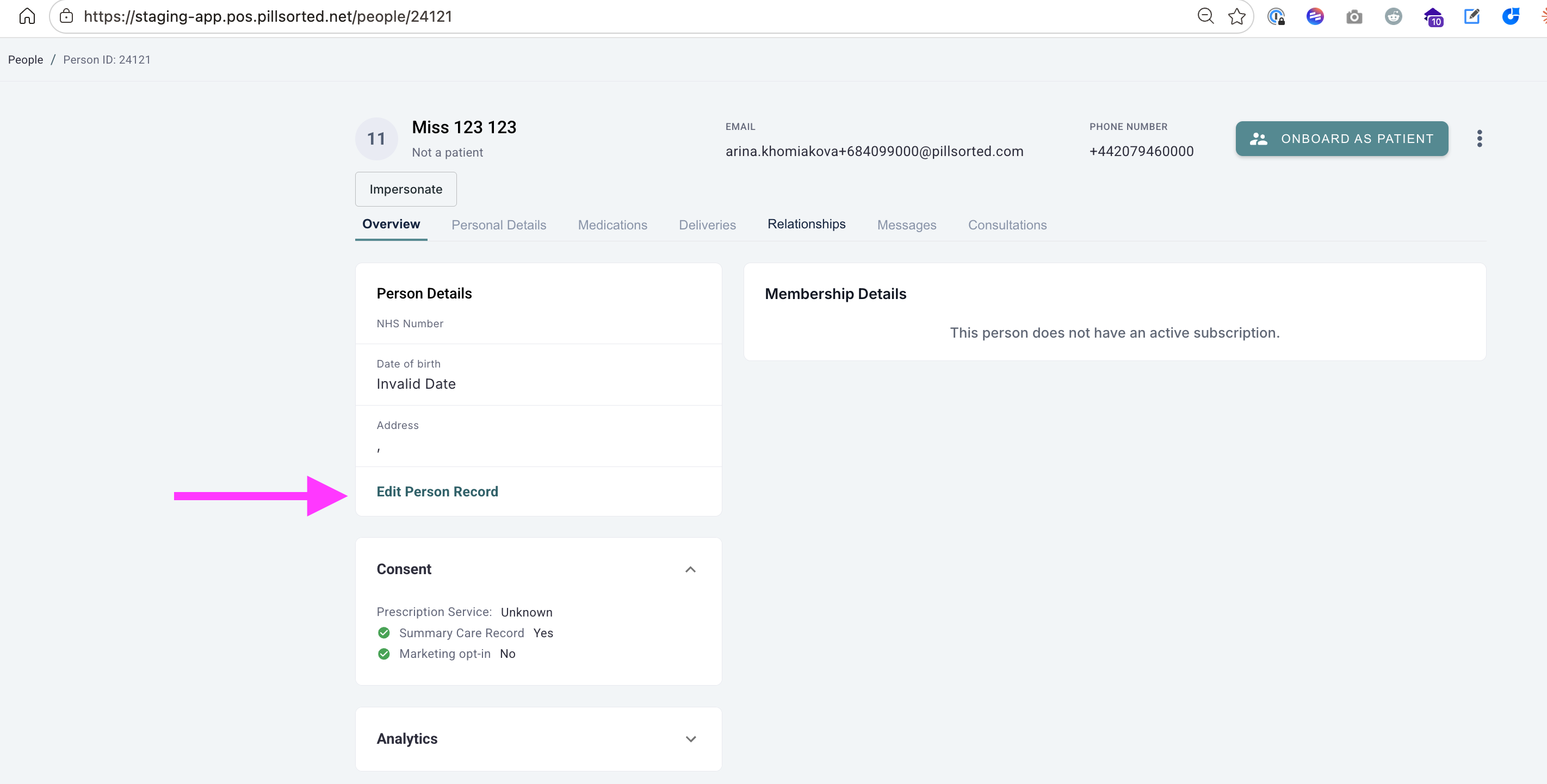
Removing an Email
Use this when the email on file doesn't belong to the patient (e.g. a carer or surgery staff member) and there's no replacement email.
- Search for the patient in POS and open their profile
- Note their PersonId from the profile page
- Use change email and set it to:
missingemail+<PersonId>@pillsorted.com
Example: PersonId 16174 becomesmissingemail+16174@pillsorted.com - Confirm the email has been updated
This stops all reminder emails going to the old address.
Changing to a New Email
Use this when the patient wants to update their email to a new one.
- Search for the patient in POS and open their profile
- Use change email and enter the new email address
- A password reset link is sent to the new email — let the patient know they'll need to set a new password
If the New Email Is Already in Use
Emails must be unique across all patients. If the email the patient wants is already assigned to someone else:
- Find the other patient who currently has that email
- Remove their email first by changing it to
missingemail+<their PersonId>@pillsorted.com - Now change the requesting patient's email to the one they want
- Let the patient know a password reset link will be sent to their new email
Key Rules
- Every patient must have an email — you can't clear it, only change it
- Emails must be unique — no two patients can share the same email
- Always use
missingemail+<PersonId>@pillsorted.comas the placeholder when removing — the PersonId ensures uniqueness - Changing email triggers a password reset — the patient receives a link at the new address to set a new password
Still Need Help?
If the change email feature is not working or you encounter an error, escalate to engineering.